

原生JavaScript实现滚动到底部自动加载数据插件
作者:木棉时间:2026-10-21 19:04:39浏览:473
本文介绍一个基于原生JavaScript编写的轻量级下拉加载插件。该插件监听页面滚动事件,当距离底部指定像素时自动发起Ajax请求。支持自定义请求地址、触发距离及数据回调函数,回调中返回解析后的JSON数据与配置对象,便于实现分页等复杂逻辑。
插件使用方法与参数配置
使用方法如下:
核心代码示例
new downUpData({url:"http://192.168.1.103:8080/test/
data.json",distance:20,callback:function(resp,config){
 var oUl = document.getElementById('ul');
 for(var i=0;i<resp.data.length;i+=1){
 oUl.innerHTML+= '<li>'+ resp.data[i].title +'</li>';
 }
}}).isBottom();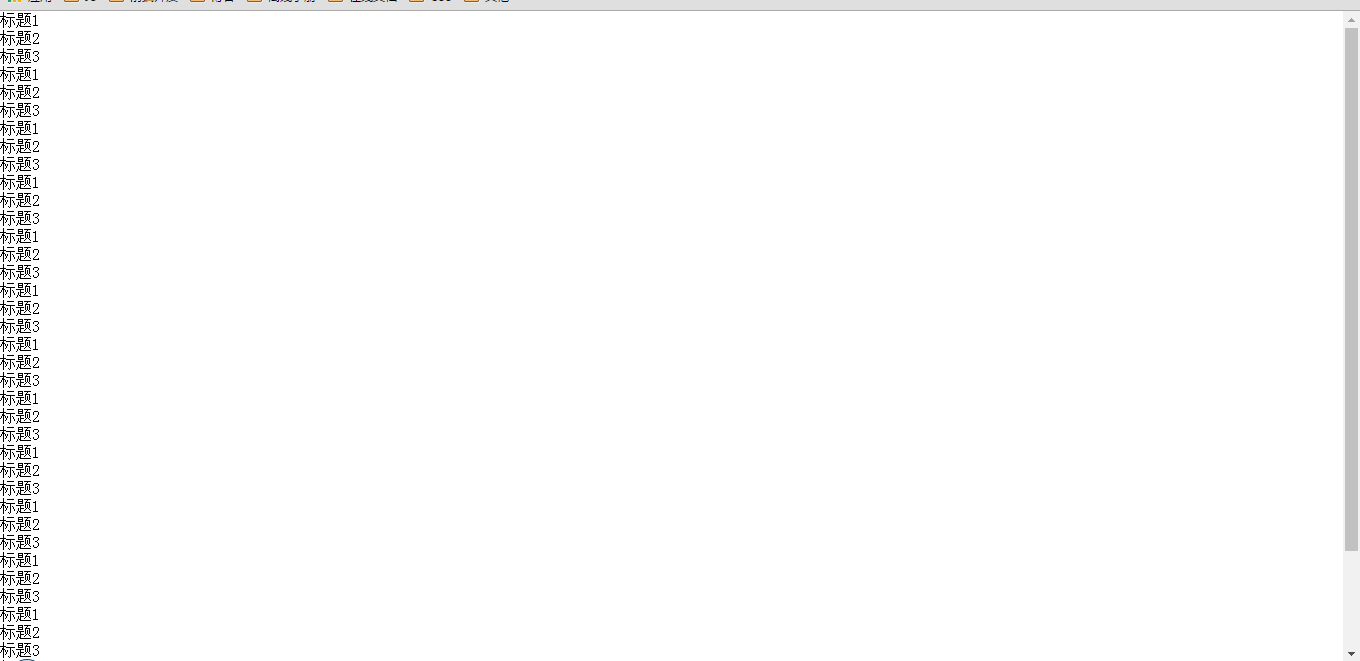
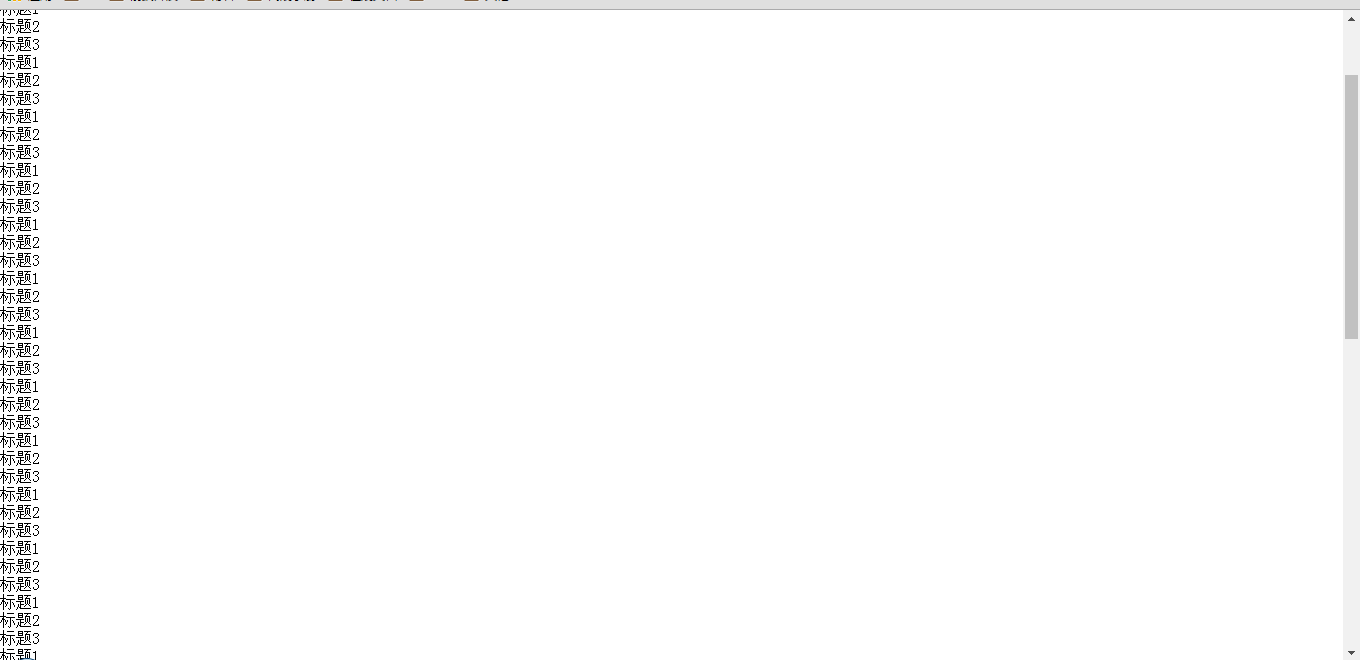
默认情况下,当用户滚动至页面底部时,插件会自动发起Ajax请求获取数据。
参数配置说明:
url:指定请求数据的接口地址,该功能不支持跨域请求,此为必填参数。
distance:设定触发加载的距离底部的位置,单位为像素,属于可选参数。
callback:当滚动到达指定距离且Ajax请求完成后,将触发此回调函数。该函数接收两个参数:第一个是已转换为JSON对象的数据(内部使用JSON.parse解析,低版本浏览器可能不支持此方法);第二个是传入的配置对象。若需修改请求信息(例如实现分页功能以改变url地址),可通过此参数进行操作。
回调函数签名示例:callback(name1, name2)
name1:代表返回的数据(data)。
name2:代表初始配置对象(config)。

完整实现代码
完整源代码如下:
<!DOCTYPE html>
<html lang="en">
<head>
 <meta charset="UTF-8">
 <title>Document</title>
 <meta name="viewport" content="width=device-width, initial-scale=1">
 <style>
 body,ul{
  margin:0;
  padding:0;
 }
 </style>
</head>
<body>
 <ul id="ul">
 </ul>
 <script>
 function downUpData(obj){
  this.config = obj;
 };
 downUpData.prototype = {
  // 判断是否到达底部
  isBottom:function(){
  var _this = this;
  var scrollH = null,
   clientHeight = null;
   scrollTop = null;
   distance = this.config.distance||0;
   h = 0;
  function scroll(){
   scrollH = document.body.scrollHeight||document.documentElement.scrollHeight;
   clientHeight = window.innerHeight;
   scrollTop = document.body.scrollTop||document.documentElement.scrollTop;
   h = clientHeight + scrollTop;
   if(h>=scrollH-distance){
   _this.ajax();
   }
  }
  scroll();

  window.onscroll = function(){
   scroll();
  };
  },
  // 发送AJAX请求
  ajax:function(){
  var _this = this;
  var xhr = null;
  if(window.XMLHttpRequest){
   xhr = new XMLHttpRequest();
  }else{
   xhr = new ActiveXObject("Microsoft.XMLHTTP");
  }

  xhr.open("GET",this.config.url,true);
  xhr.onreadystatechange = function(){
   if(xhr.readyState==4&&xhr.status==200){
   _this.config.callback(JSON.parse(xhr.responseText),_this.config);
   }
  }
  xhr.send();
  }
 };

 new downUpData({url:"http://192.168.1.103:8080/test/data.json",distance:20,callback:function(resp,config){
  console.log(config)
  var oUl = document.getElementById('ul');
  for(var i=0;i<resp.data.length;i+=1){
  oUl.innerHTML+= '<li>'+ resp.data[i].title +'</li>';
  }
 }}).isBottom();
 </script>
</body>
</html>
以上即为本文的全部内容,希望这些内容能对您的学习或工作有所帮助,同时也欢迎多多支持本站!
作者最新文章
JS运算符优先级与结合性的区别是什么?
2026-11-05 13:22:02
JS Map怎么只遍历Key或Value
2026-11-05 13:00:36
D3.js 与 ECharts 选型对比:灵活性 vs 开发效率
2026-11-05 09:45:01
为什么JS中typeof []返回object:数组类型检测误区解析
2026-11-04 19:50:47
D3.js 新手入门:环境搭建与第一个条形图实现
2026-11-04 10:49:48