

JavaScript 实现字符雨动画效果
作者:交互手记时间:2026-10-25 12:42:49浏览:83
本文提供了一段使用 JavaScript 实现的字符雨特效完整代码。通过 HTML5 Canvas 绘制动态下落字符,支持调整帧率等参数,适用于前端页面装饰或学习动画原理。
JavaScript 字符雨特效实现
以下展示了利用 JavaScript 生成字符雨视觉特效的具体实现方案,供读者参考与学习。
<html>
    <head>
        <meta charset="utf8"/>
        <title>字符雨</title>
        <style>
            body {
                color:white;
                background-color:black;
                overflow:hidden;
            }
        </style>
    </head>
    <body onresize="init()">
        <div>
        帧率(fps):
        <input id="fpsNum" type="number" min="1" max="35" step="2" value="24" />
        <input id="switchBtn" type="button" value="stop" onclick="switchState()" />
        </div>
        <canvas id="canvas">您的浏览器不支持canvas</canvas>
        <script>
            var c = document.getElementById("canvas");
            var fpsNum = document.getElementById("fpsNum");
            var switchBtn = document.getElementById("switchBtn");
            var ctx = c.getContext("2d");

            //动画是否已经开始
            var isStart = true;
            //循环调用器id
            var intervalId = 0;
            //每次循环绘制一个0.1透明度的蒙版,让以前绘制的文字留下一段阴影效果
            var clearColor = "rgba(0,0,0,.1)";
            //文字大小
            var fontSize = 20;
            //文字
            var font = fontSize + "px arial";
            //文字颜色
            var fontColor = "#0f0"
            //存储每列的起始坐标
            var drops = [];

            //重启程序
            function init() {
                c.width = document.body.offsetWidth;
                c.height = document.body.offsetHeight;
                //文字的列数
                var columns = Math.floor(c.width / fontSize);
                //原来的列数
                var len = drops.length;
                if(len < columns) {
                    for(var i=len; i<columns; i++) {
                        //初始化随机的列坐标
                        drops.push(Math.floor(Math.random() * c.height));
                    }
                } else {
                    drops.slice(columns, len - columns);
                }
                //如果当前已经正在绘制,则需要先终止绘制再重启绘制
                if(isStart) {
                    switchState();
                }
                switchState();
            }

            //绘制
            function draw() {
                ctx.save();
                ctx.translate(c.width, 0);
                ctx.scale(-1, 1);
                ctx.font = font;
                ctx.fillStyle = fontColor;
                drops.map(function(currentValue, index) {
                    //接受一个或多个unicode值,然后返回一个字符串
                    var text = String.fromCharCode(65 + Math.round(Math.random() * 33));
                    //var text = Math.floor(Math.random() * 2);
                    var x = index * fontSize;
                    var y = currentValue * fontSize;
                    ctx.fillText(text, x, y);
                    if(y > c.height * 0.6 && Math.random() > 0.85) {
                        drops[index] = 0;
                    }
                    drops[index]++;
                });
                ctx.restore();

                ctx.fillStyle = clearColor;
                ctx.fillRect(0, 0, c.width, c.height);
            }

            //切换当前状态(开始 或 停止)
            function switchState() {
                isStart = !isStart;
                if(isStart) {
                    switchBtn.value = "stop";
                    intervalId = setInterval(draw, 1000/fpsNum.value);
                } else {
                    switchBtn.value = "start";
                    clearInterval(intervalId);
                }
            }

            init();
        </script>
    </body>
</html>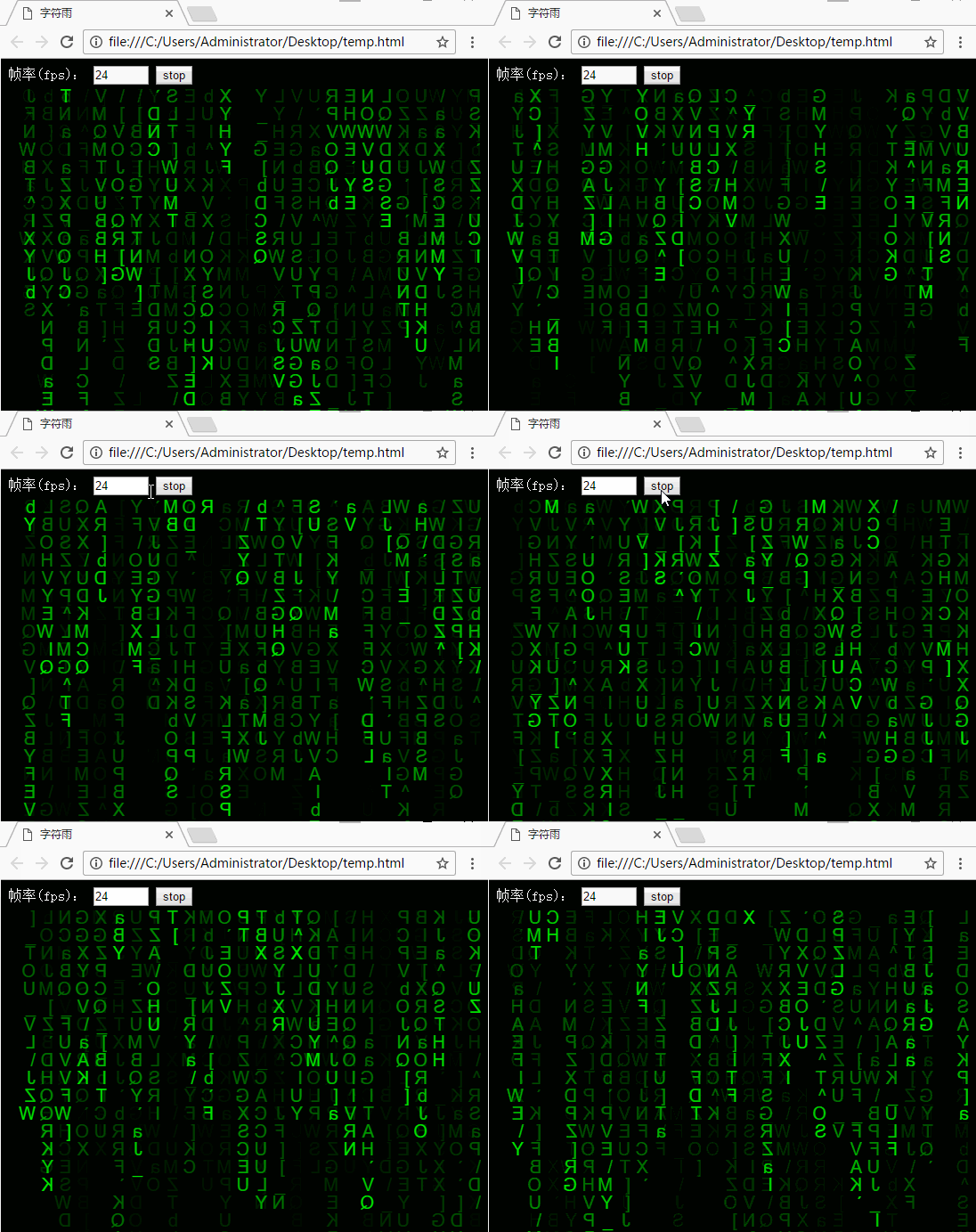
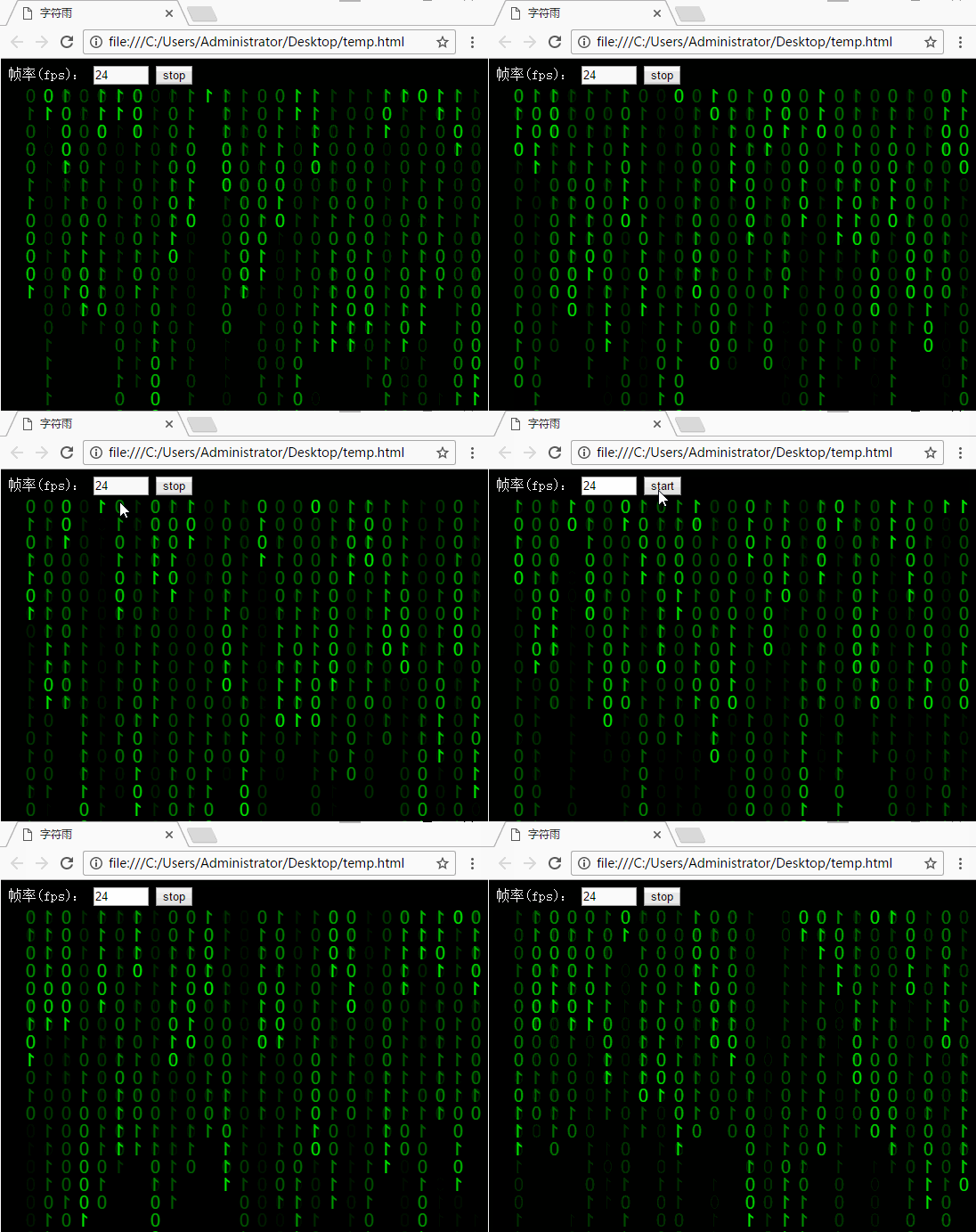
上述即为该字符雨特效的全部内容,希望能为读者的编程实践提供有益参考,同时也欢迎继续关注本站获取更多技术分享。
作者最新文章
JS怎么实现页面强制刷新
2026-11-05 14:53:38
点击JS链接直接运行不下载?前端实现.js文件强制下载的三种方法
2026-11-05 12:12:23
怎么封装一个通用的JS创建元素辅助函数
2026-11-05 11:41:41
Swiper.js 怎么监听滑动结束并获取当前索引
2026-11-05 10:57:15
HTML、CSS和JS的关系:Web前端三件套怎么协作
2026-11-04 15:41:40