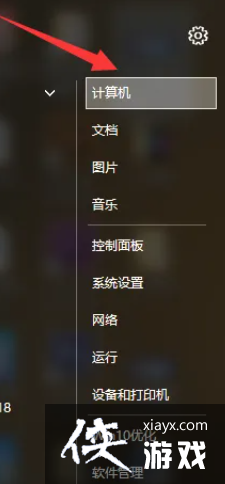
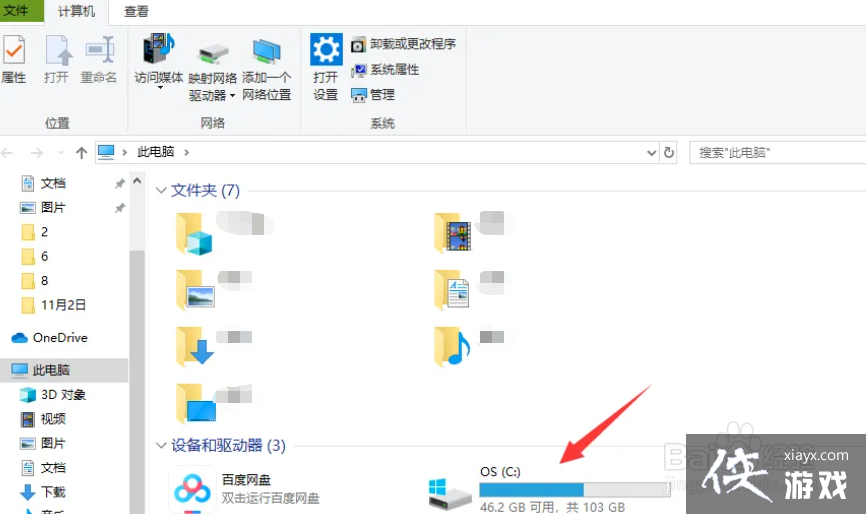
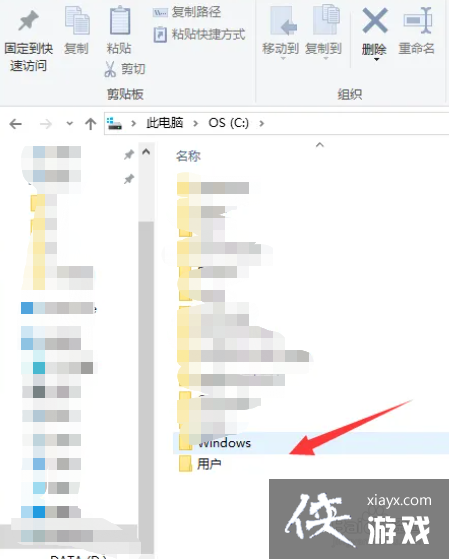
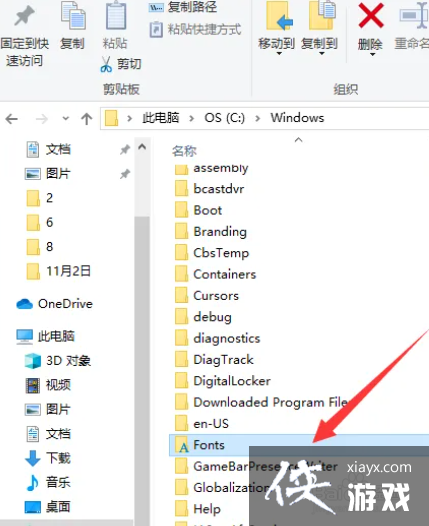
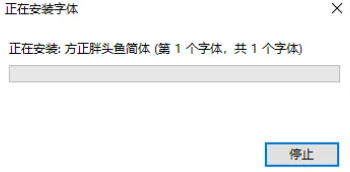
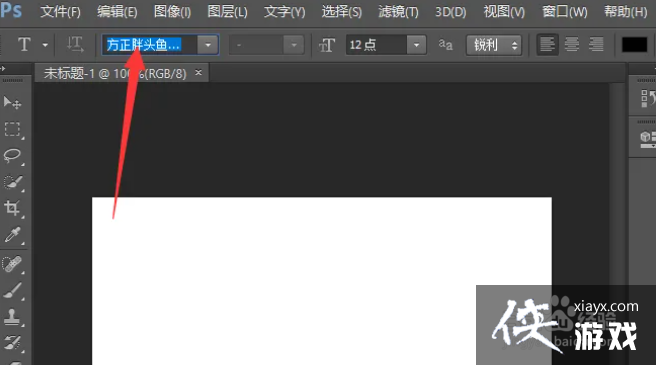
PS怎么安装字体作者:技术拾光时间:2023-06-26 19:09:31浏览:555 PS怎么安装字体,一起来看看吧。1、点击电脑的计算机,如下图所示;2、在点击C盘;3、我们点击Windows;4、再双击Fonts;5、我们将需要安装的字体直接拖入到Fonts文件夹中即可;6、我们打开PS,发现刚才复制的字体已经导入成功了。 上一篇:赛尔计划萨菲罗强度解析下一篇:《暗黑破坏神4》单刷100层世界风暴德BD加点指南