
怎么在Python用函数dict创建字典
作者:技术拾光时间:2023-06-13 19:00:08浏览:208
Python是常用的一种编程语言,该语言是一种可以快速开发应用的解释型语言。在 Python 中,使用内建函数dict()可以创建一个字典类型变量。今天教大家在Python编程中怎么用内建函数dict()创建字典。

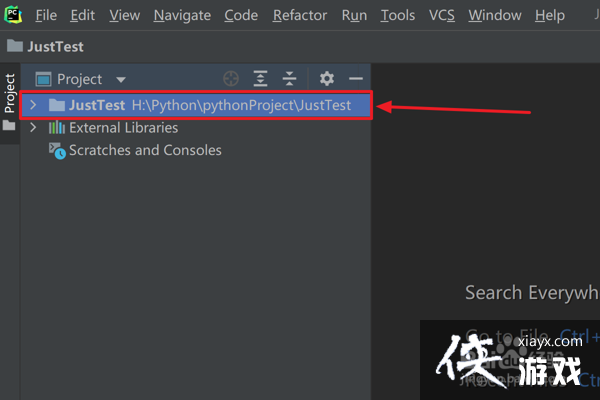
1、首先在PyCharm软件中,打开一个Python项目。
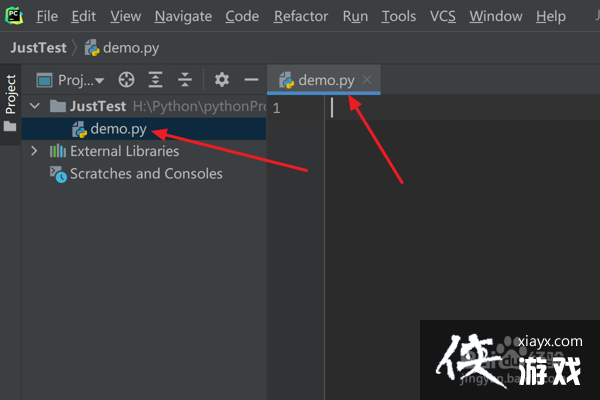
2、在Python项目中新建并打开 demo.py 文件。
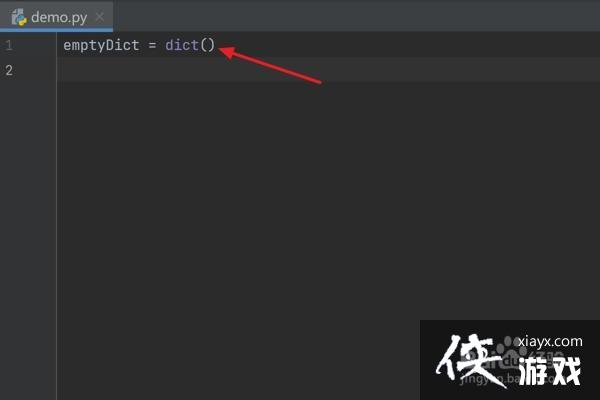
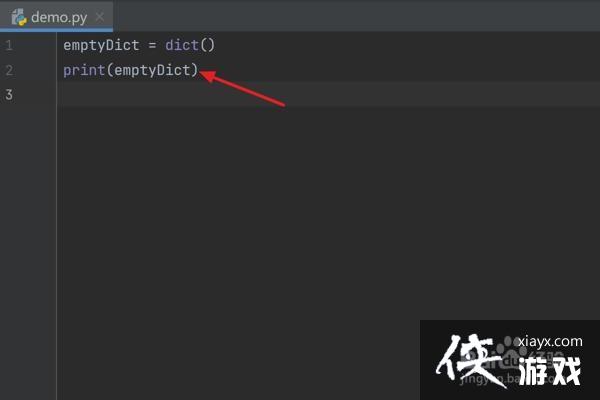
3、接着插入语句:“emptyDict = dict()”,创建一个字典。
4、插入:“print(emptyDict)”,使用 print 语句打印字典。
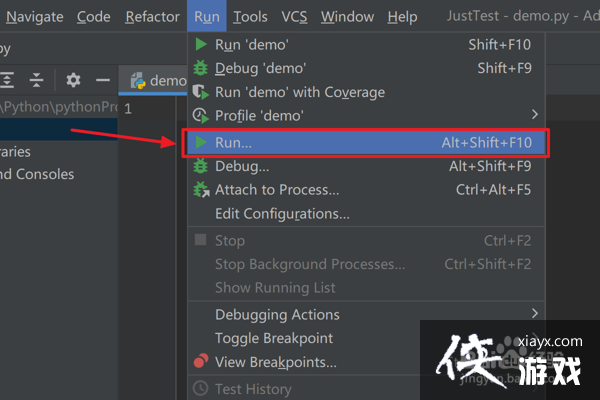
5、在Pycharm上方菜单栏,依次点击“Run”菜单中的“Run...”选项。
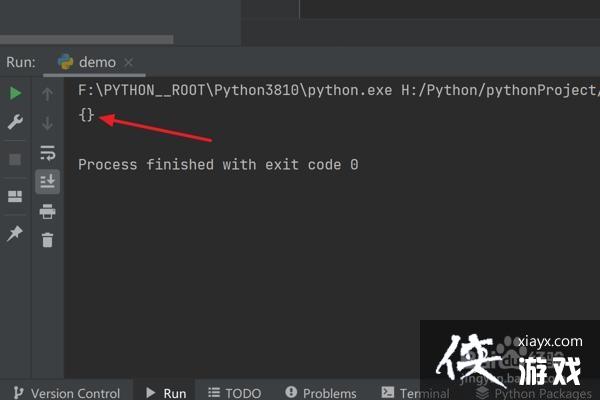
6、等待程序运行完毕,可以看到已经成功地用内建函数dict()创建字典。